

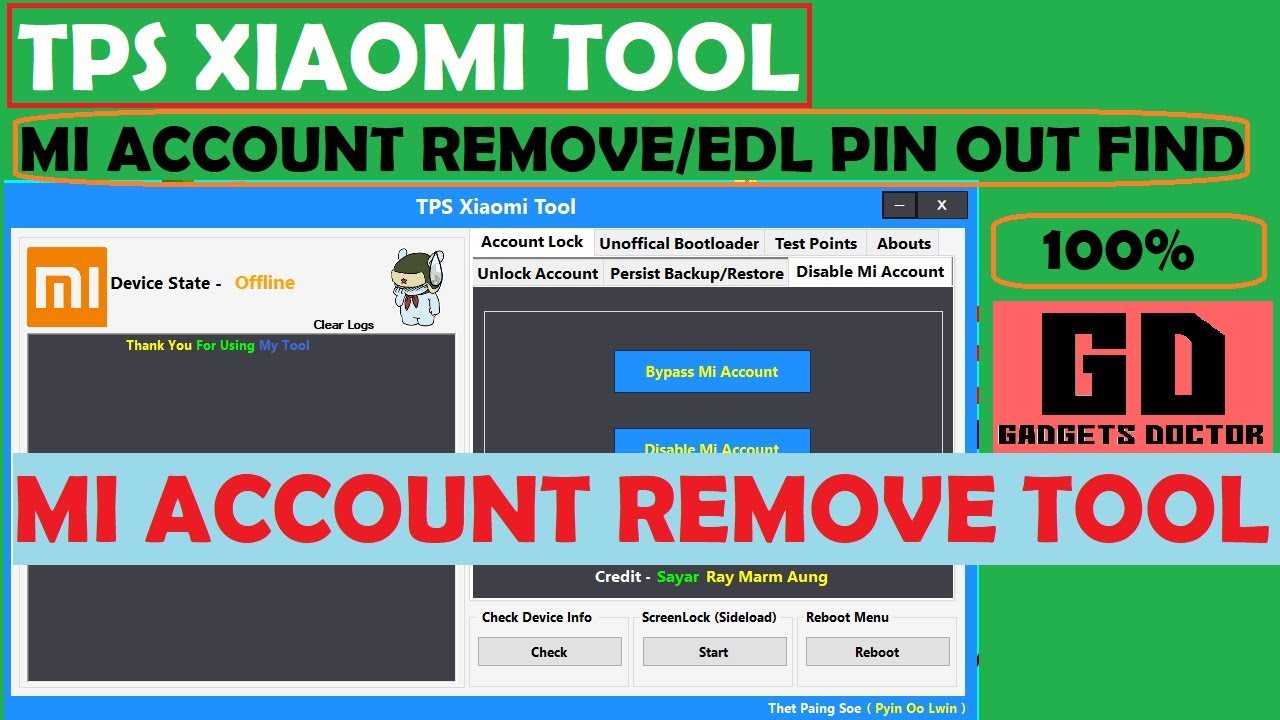
TPS Xiaomi Tool is one of the absolute finest and free software for windows which lets you skip Mi accounts from Xiaomi devices. . It permits you to skip mi account unofficial bootloader unlock and analyze point finder. It is possible to utilize approaches to bypass mi account. The very first one is your 9008 com port system and 2nd one is your Fastboot technique. Here we also talk about some distinctive features of the TPS Xiaomi Tool supplied below.
TPS Xiaomi Tool Features:
- EDL Pinout
- Unlock MI Account
- Disable MI Account
- Check Device Info
- Reboot Mode
- Screen Lock Remove Sideload Mode
- Remove MI Account
- Fastboot Mi Account Unlock
- Persist File Backup and Restore
- EDL Remove Mi Account
- Unofficially Bootloader Unlock

IF YOU WANT TO HELP US
PLEASE DONATE SOME MONEY-https://paypal.me/GadgetsDoctor
Gadgets Doctor not responsible for any damage to your device
try at your own risk. make sure your device battery is fully charged.
Download TPS Xiaomi Tool Latest Version
File Name:- Xiaomi_TPS_Mi_Account_Bypass_Tool.zip
Android Version:- All
File Size: -20MB
Password: -GAGDETSDOCTOR
Download: –Click here To Download
How to Use TPS Xiaomi Tool:
Method 1: Fastboot mode
- Power off the Xiaomi device then press and hold the Power +volume Button until fastboot logo looks.
Method 2: EDL Mode
- First, set up ADB & Fastboot driver on PC then turn USB debugging in your Mobile Phone.
- Now join the Xiaomi phone with PC using the USB cable.
- Then open a command window in PC and type the following commands: Adb reboot edl
- If any pop up appears on the phone screen then permit the ADB access.
Read More:
- Redmi 6A FRP Bypass [Unlock Google Account] Without Any Box – Free File 2021
- MOTO G5S Plus FRP Bypass Unlock Google Account (MOTO FRP Tool)
- Flash Redmi Note 6 Pro without Authorization Tool
- Download Samsung SM-J320G Remove Screen lock file
- New Easy Samsung FRP Bypass Tool Download to FRP Bypass 2020


